Signing in
LeadValidate is passwordless. You sign in with a one-time magic link sent to your work email — there is no password to remember or leak.
Steps
- Go to your workspace URL and enter your work email.
- Click Send magic link.
- Open the email and click the link. It signs you straight into your workspace.
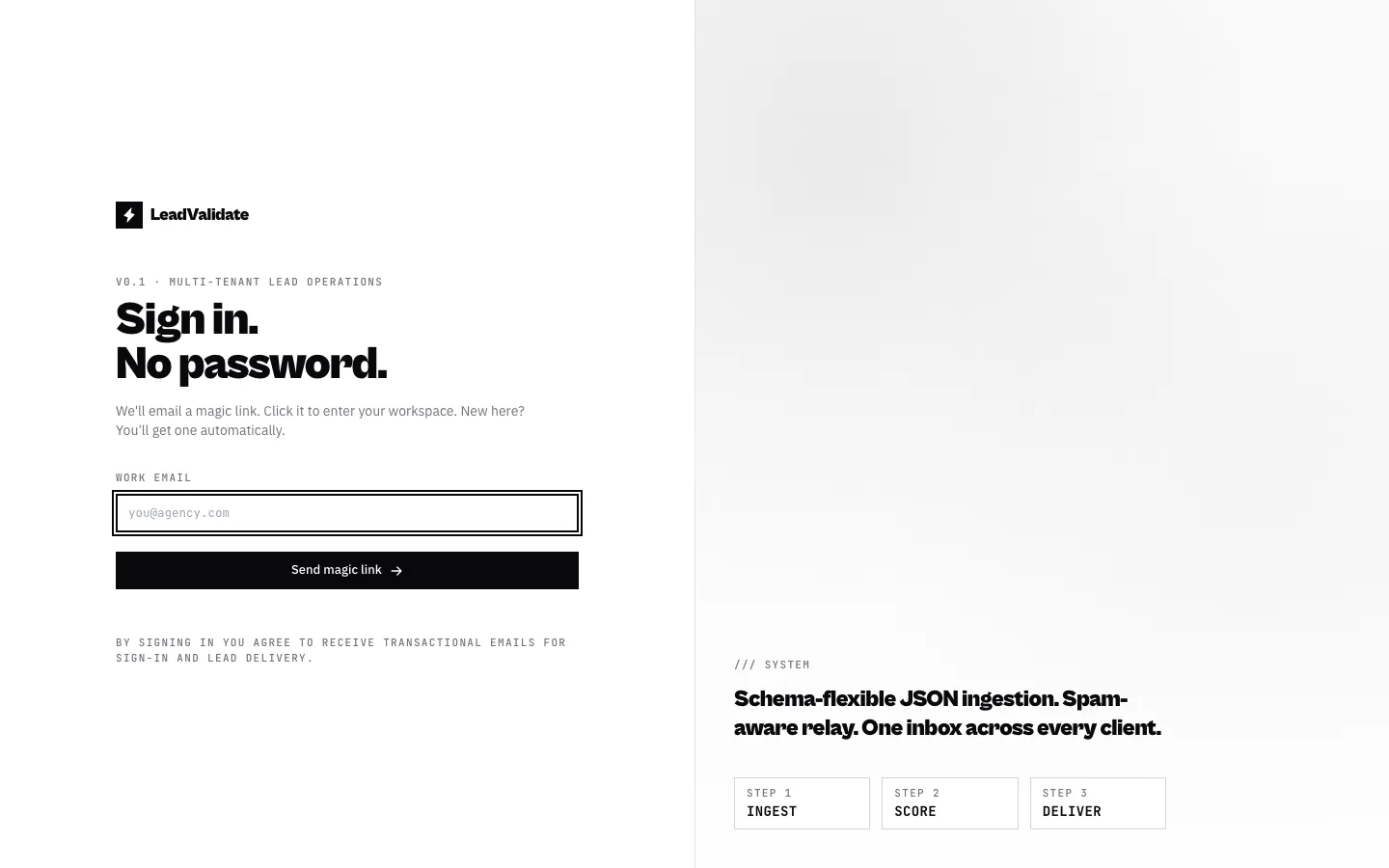
The link expires after 15 minutes and can be used once. If you are new, an account and workspace are created for you automatically on first sign-in.
The workspace
Everything you do — clients, endpoints, leads — lives inside your workspace. Teammates you invite share the same workspace (see Team & invites).