Team, roles & workspaces
Everyone in your workspace shares the same clients, endpoints, and leads.
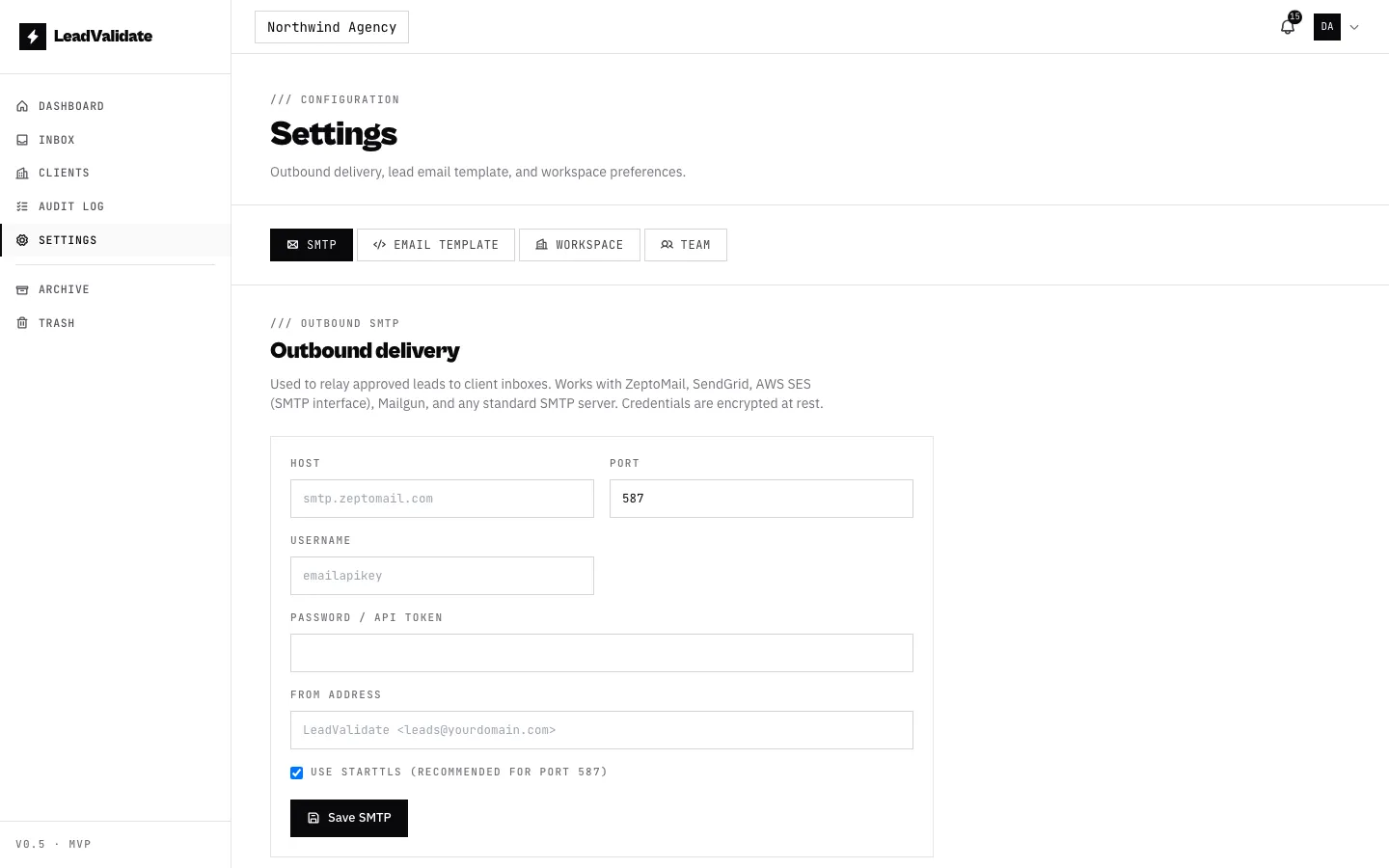
Inviting a teammate
From Settings → Team, generate a single-use invite link and send it to your colleague. When they open it and sign in, they join your workspace as a member. Invite links expire after 7 days, and you can see and revoke pending invites in the list.
Roles
| Role | What they can do |
|---|---|
| Owner | Everything — including transferring ownership and (eventually) billing. One owner per workspace. |
| Admin | Everything the owner can, except transferring ownership or deleting the workspace. Manage leads, settings, endpoints, Trash/Archive, and team members. |
| Member | Review and manage leads, clients, and endpoints. No team or workspace administration. |
Owners and admins can promote a member to admin or change an admin back to a member from the member list in Settings → Team. The owner can’t be demoted from here — use ownership transfer instead.
Transferring ownership
An owner can hand the workspace to an existing member from Settings → Team → Transfer ownership. For safety, the transfer is confirmed by both people over email: the current owner confirms the change, and the new owner accepts. Once both confirm, the new person becomes owner and the previous owner becomes an admin (they keep access — they’re not removed). You can cancel a pending transfer any time before it completes.
A person can own only one workspace at a time, so the new owner must not already own another workspace.
Multiple workspaces & switching
You can belong to more than one workspace — for example, you might own your own and be a member of a partner’s. The workspace switcher in the top-left of the header shows your current workspace; click it to switch. Each workspace has its own clients, endpoints, leads, and team.